Browse the docs
Knowledge bases
Last updated: November 16, 2026
A knowledge base is a folder of your documents, such as your price list, a contract or your handbook. timelit looks things up in it and names the document each answer came from.
Why we built this
Many answers are not in your mailbox but in a file: the current prices, the terms of a contract, the steps in your handbook. Instead of opening the file and searching yourself, you ask, and timelit answers from the document and tells you which one.
How it works
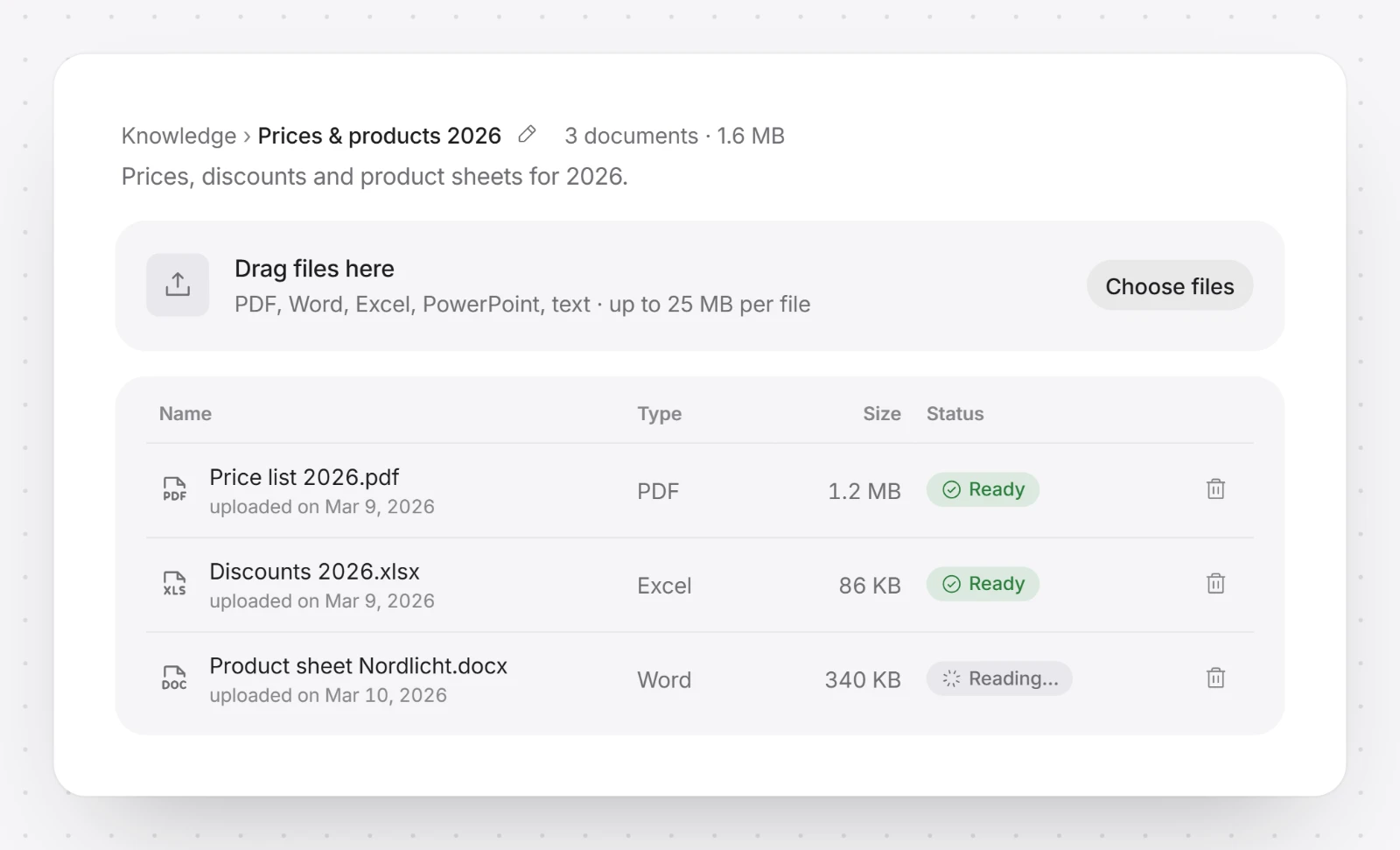
1. Add your files. Open Library in the sidebar, then Knowledge. Click New knowledge base, or drag files onto the list. PDF, Word, Excel, PowerPoint and text files work. The knowledge base exists right away, named after the first file and visible only to you.
2. Wait until the files are read. Each document shows its status: Ready, Reading… or Error. An error says why and what to do, for example remove the password from a file. Try again reads a file again without uploading it a second time. Once the first file is read, timelit adds one line saying what is in it. Rename the knowledge base with Rename next to its name, and change that line by typing in it.
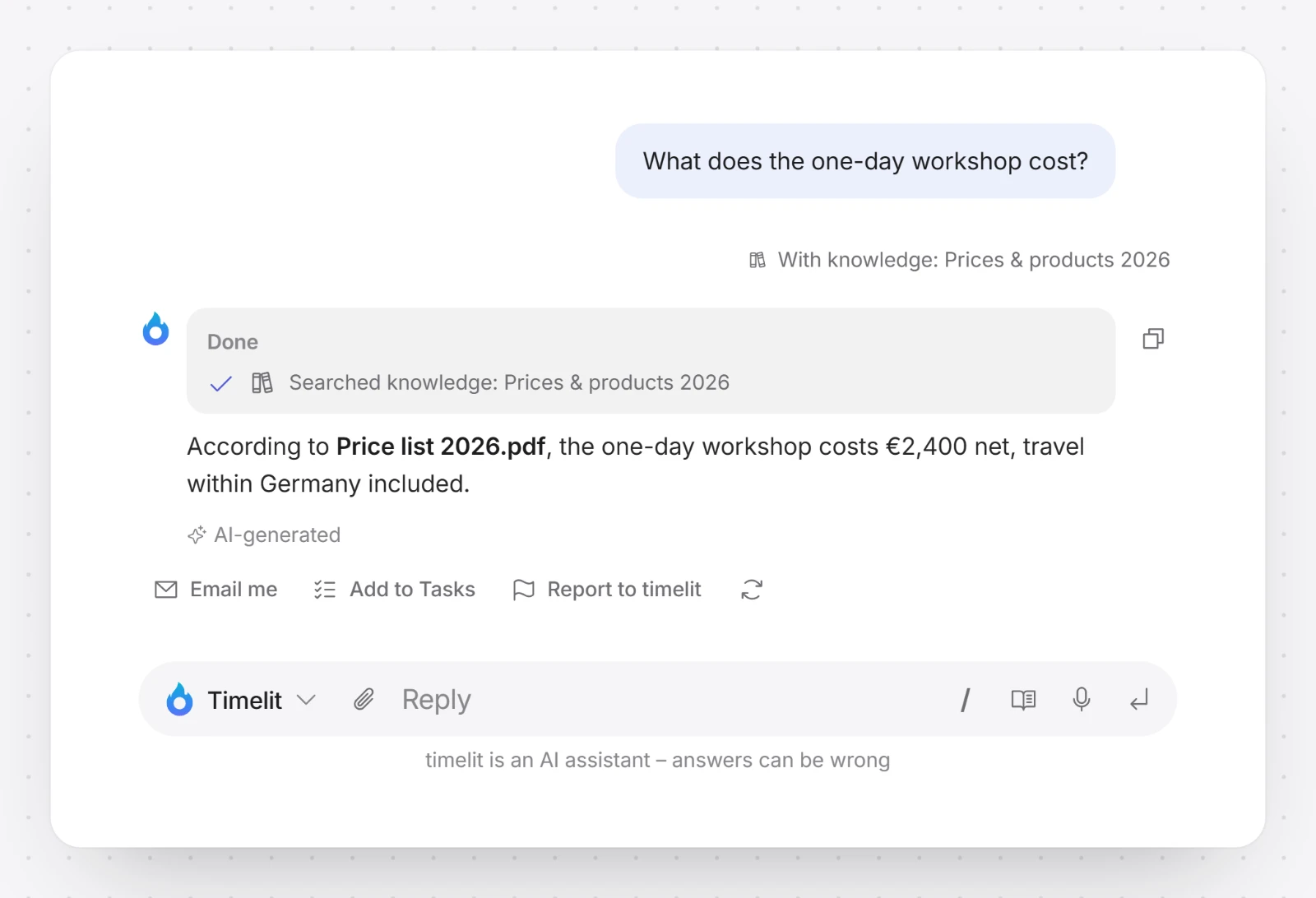
3. Ask about it in the chat. In the Cockpit, click the paperclip next to the message box and choose your knowledge base under Attach knowledge, or All knowledge bases. Then ask your question. Your message shows "With knowledge:" and the names, and the answer names the documents it used.
Add more documents any time by dropping them onto the knowledge base's page.
Other ways to use it
- In an agent. Switch it on in an agent's Knowledge tab, and the agent looks things up in it whenever you chat with it.
- In an automation. An automation can look things up in your knowledge bases while it runs. The plan shows it as "Looks things up in" and the names. See Automations.
The page of a knowledge base lists the agents and automations that use it under Used by.
Sharing
On the Teams plan, click Share… and choose who may use the knowledge base: Only me, Teams, Specific people or Whole organization (after an admin has approved it). Whoever may use a knowledge base sees every document in it, so share a folder only when everything in it may be read by those people. Colleagues can use it in the chat and in their own agents; only you add or remove documents. See Agents for how sharing works.
What timelit will never do
- Show your documents to anyone you did not share them with.
- Change your documents. timelit only reads them.
Good to know
- Knowledge bases need the Pro or Teams plan. Sharing needs the Teams plan.
- Rights apply to a whole knowledge base, not to single documents. Keep documents for different readers in different knowledge bases.
- A scanned document without text takes longer to read, and some scans cannot be read at all. A very long document may only be read in part; its row says so.
- Deleting a knowledge base deletes every document in it, for you and everyone you shared it with. Agents that use it carry on without it; your automations that use it pause until you update them.
- Looking for answers by email instead? See Knowledge Search: email a question and get the answer back by email.