Chat
Last updated: August 28, 2026
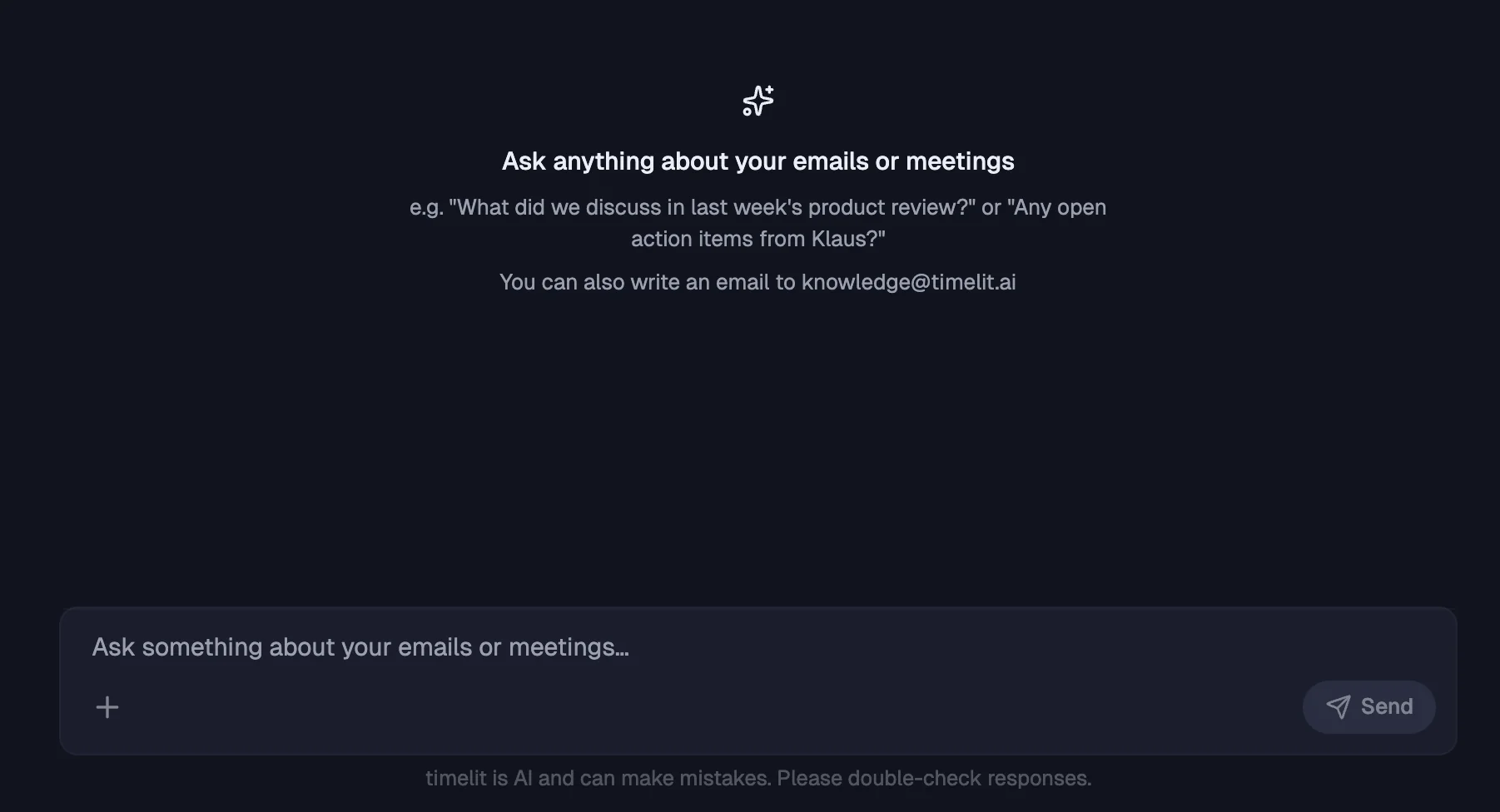
Ask anything about your emails and meetings, in plain language: "What did we decide in last week's product review?", "Any open action items from Klaus?", "What was in the contract Acme sent?". timelit answers from your actual data and shows its sources.
Why we built this
The answer to most workplace questions already exists, somewhere in a thread from three weeks ago, an attachment, or a meeting transcript. Outlook search finds emails; it doesn't answer questions. You search "budget", get 200 results, and dig.
Chat works on top of everything timelit has indexed for you: your email conversations, attachments (the text inside PDFs and documents, not just filenames), and your meeting transcripts and summaries. One question, all sources, an answer instead of a result list.
How it works
1. You ask in your own words. Open Chat in the app and type your question like you'd ask a colleague.
2. timelit searches your knowledge. Emails, attachments, meeting transcripts: everything connected to your account.
3. You get an answer with sources. The response cites where the information came from, so you can verify it yourself. That's deliberate: an AI answer about your business that you can't check is worth little.
4. You can follow up. It's a conversation: drill deeper, rephrase, or edit your previous question and re-run it.
What's in your knowledge, and what isn't
Your knowledge base contains:
- Email conversations, including roughly the last 6 months of history imported when you connect, not just new mail
- Attachment contents: text extracted from PDFs and documents
- Meeting transcripts and summaries, when Meeting Summaries is enabled
Only your connected data. Chat cannot see other people's mailboxes, the internet, or anything you haven't connected.
What timelit will never do
- Act from chat. Chat answers questions; it doesn't send emails or change your calendar. Acting features are separate and explicit.
- Make up sources. If the answer isn't in your data, timelit says so rather than inventing one.
Good to know
- timelit is AI and can make mistakes. That's why every answer carries sources. Double-check before you act on an answer, especially numbers and commitments.
- The same question-answering also works by email, see Knowledge Search. Useful when you're on the road and your mail app is all you have.
- Chat answers in the language you ask in.